tarmac
...with ers
A tiling window manager for macOS. Arrange windows automatically with BSP layouts, navigate with the keyboard, and configure everything in Lua.
curl -fsSL https://tarmac.musicsian.com/install.sh | bashA tiling window manager built for macOS
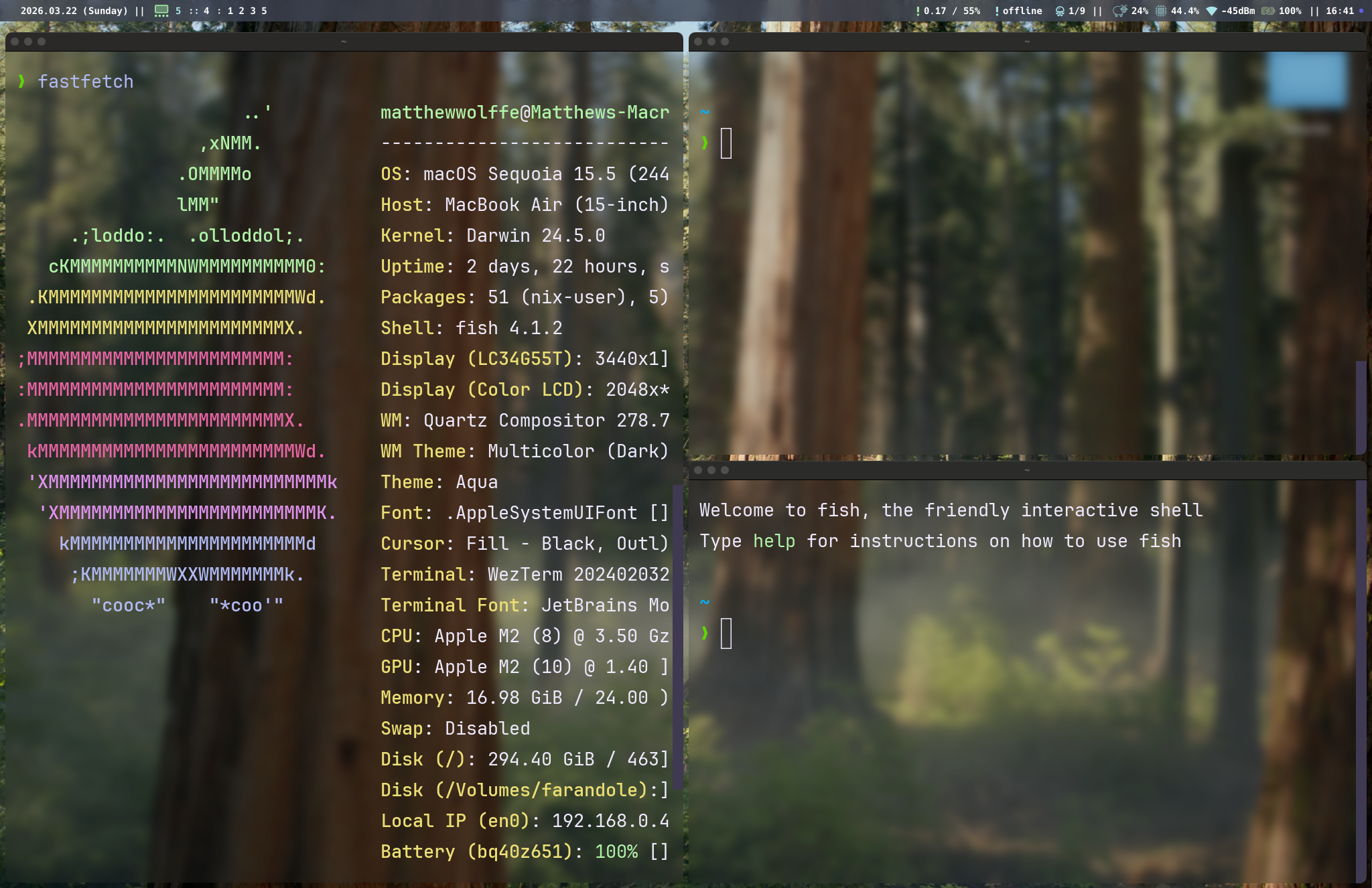
tarmac is a tiling window manager that automatically arranges your macOS windows into non-overlapping tiles using a binary space partition (BSP) algorithm. Instead of manually dragging and resizing windows, tarmac handles layout for you — open a new window and it splits the available space.
Navigate between windows with keyboard shortcuts (vim-style hjkl or arrow keys), swap window positions, resize splits, and manage 10 workspaces per monitor. Named scratchpad overlays give you quick-access terminals or tools that toggle on and off.
tarmac is written in Rust and configured through a single Lua file at ~/.config/tarmac/init.lua. It runs as a background daemon, uses the macOS Accessibility API for window control, and exposes an IPC socket for scripting via tarmacctl.
Window borders are rendered by ers, a companion process that draws colored overlays around windows using private SkyLight framework APIs. Borders show which window is focused at a glance.
Features
BSP tiling
Binary space partition layout engine. Windows split automatically based on container aspect ratio. Resize splits, equalize, or float individual windows.
Lua configuration
Configure everything in ~/.config/tarmac/init.lua. Set keybindings, window rules, gaps, borders, and event hooks. Hot reload with a keybind.
IPC & scripting
Full IPC over Unix socket. Query window state, subscribe to events, and control tarmac from shell scripts or external tools via tarmacctl.
Workspaces & scratchpads
10 numbered workspaces per monitor plus named special workspaces (scratchpads) with configurable size and position. Toggle them on any monitor.
Window borders via ers
ers renders colored overlay borders around windows using SkyLight APIs. Configurable width, color, and corner radius. Focused and unfocused colors.
Window rules
Match windows by app name, bundle ID, or title. Assign them to workspaces, force floating, or set initial geometry. Rules apply automatically.
System tray & settings GUI
Menu bar icon with workspace switching. Native settings window with sliders for gaps, borders, and toggles for mouse behavior. Changes apply live and persist to your config.
Rich events for bar integration
Events carry full workspace snapshots, window metadata, and layout state. Subscribe from shell scripts or Lua callbacks to drive status bars like sketchybar.
Multi-monitor support
Each monitor gets its own set of workspaces. Focus and move windows between monitors with keybinds. Hotplug detection when displays connect or disconnect.
How tarmac compares to other tiling window managers
tarmac is macOS-only. If you're on Linux, i3, sway, Hyprland, or bspwm are good options. On macOS, tarmac sits alongside yabai and AeroSpace as a keyboard-driven tiling window manager with IPC, workspaces, and scratchpads.
| WM | Platform | Config | BSP | Float | IPC | Hot Reload | Multi-Mon | Scratchpads | Borders | Gaps | Mouse | Rules | Events |
|---|---|---|---|---|---|---|---|---|---|---|---|---|---|
| tarmac | macOS | Lua | ✓ | ✓ | ✓ | ✓ | ✓ | ✓ | ✓ | ✓ | ✓ | ✓ | ✓ |
| yabai | macOS | Shell | ✓ | ✓ | ✓ | ✓ | ✓ | — | ~ | ✓ | ✓ | ✓ | ✓ |
| AeroSpace | macOS | TOML | ✓ | ✓ | ✓ | ✓ | ✓ | — | — | ✓ | ~ | ✓ | ~ |
| i3 | Linux (X11) | Custom | ~ | ✓ | ✓ | ✓ | ✓ | ✓ | ✓ | ~ | ✓ | ✓ | ✓ |
| sway | Linux (Wayland) | i3-compat | ~ | ✓ | ✓ | ✓ | ✓ | ✓ | ✓ | ✓ | ✓ | ✓ | ✓ |
| Hyprland | Linux (Wayland) | Custom | ✓ | ✓ | ✓ | ✓ | ✓ | ✓ | ✓ | ✓ | ✓ | ✓ | ✓ |
| bspwm | Linux (X11) | Shell | ✓ | ✓ | ✓ | ✓ | ✓ | ✓ | ✓ | ✓ | ✓ | ✓ | ✓ |
| dwm | Linux (X11) | C (recompile) | — | ✓ | — | — | ✓ | ~ | ✓ | ~ | ~ | ~ | — |
✓ = supported ~ = partial/patch — = not available. Data based on published documentation as of March 2026. Entries like “partial” for dwm reflect features that require patches.
Frequently asked questions
What is a tiling window manager?
A tiling window manager automatically arranges your windows so they don't overlap, filling the screen in a grid-like pattern. Instead of floating windows you drag around manually, a tiling WM handles all positioning and sizing. You navigate and manage windows with keyboard shortcuts.
Does macOS have a built-in tiling window manager?
macOS has basic window snapping (split view), but no real tiling window manager. Tools like tarmac, yabai, and AeroSpace fill this gap by providing automatic window tiling, workspaces, and keyboard navigation on macOS.
How is tarmac different from yabai?
Both are BSP-based tiling window managers for macOS with IPC support. tarmac is written in Rust, uses Lua for configuration, and includes built-in scratchpads, a system tray, and a settings GUI. yabai is written in C and configured via shell scripts. tarmac also bundles ers for window borders.
Does tarmac work on Apple Silicon?
Yes. tarmac runs natively on both Apple Silicon (M1/M2/M3/M4) and Intel Macs. It's tested on macOS Monterey through Tahoe.
Does tarmac require disabling System Integrity Protection (SIP)?
No. tarmac works with SIP enabled. It only requires Accessibility permission, which you grant through System Settings.