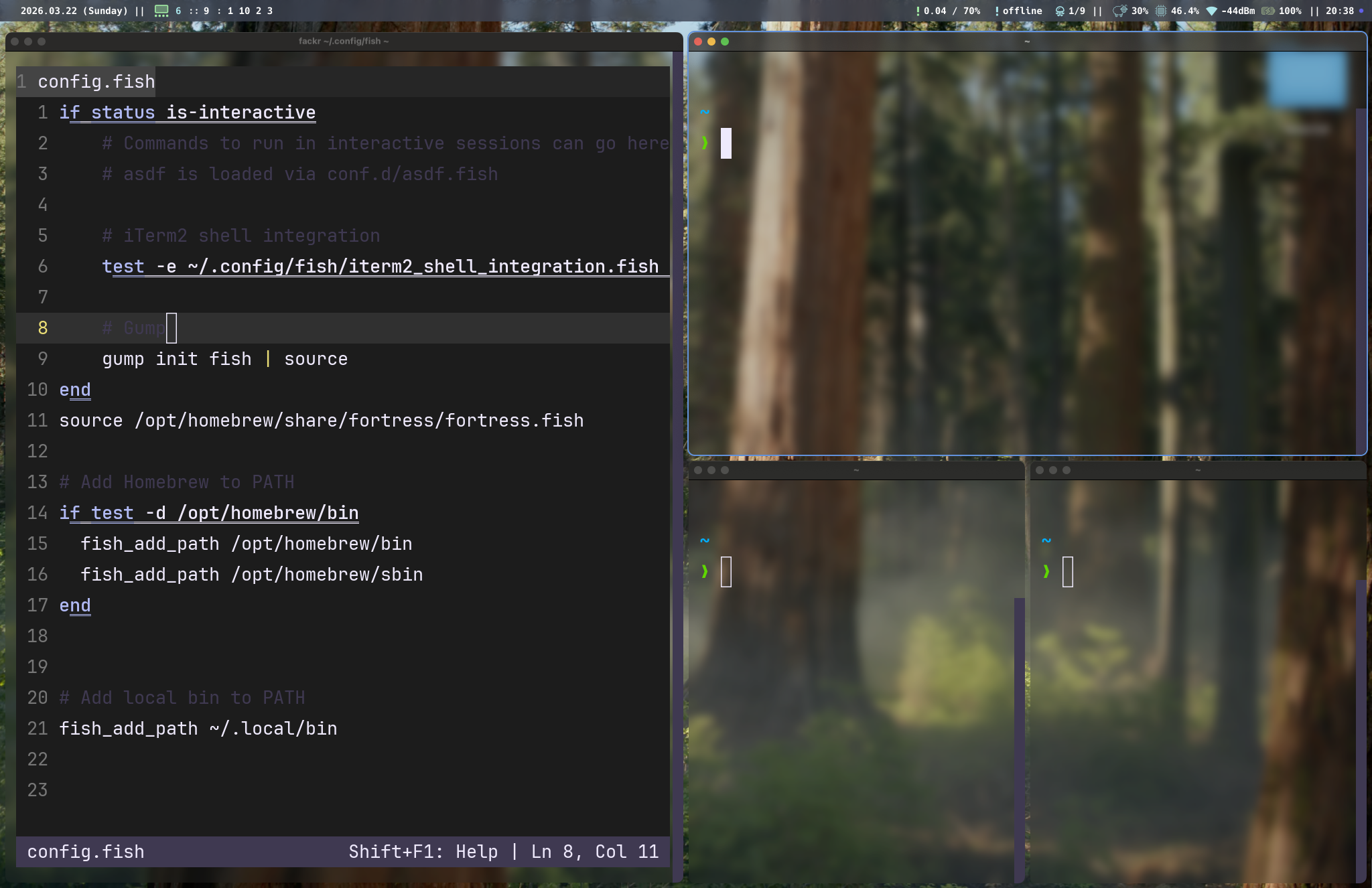
Window Management
tarmac arranges windows using a binary space partition (BSP) tree. Each workspace has its own tree that recursively splits the available screen space into regions, with each leaf node holding one window.
How tiling works
When you open a new window, tarmac:
- Checks if a window rule assigns it somewhere specific (or forces floating)
- Inserts it into the BSP tree of the active workspace
- Splits the focused container either vertically or horizontally, based on aspect ratio
- Calculates geometry for all windows in the tree
- Applies positions and sizes via the Accessibility API
The split direction is automatic: if a container is wider than it is tall, the new window splits side-by-side (vertical split). If taller, it splits stacked (horizontal split).
Sections
- BSP Layout — how the binary space partition tree works
- Floating Windows — managing windows outside the tiled layout
- Focus, Swap & Resize — navigating and rearranging windows