Special Workspaces (Scratchpads)
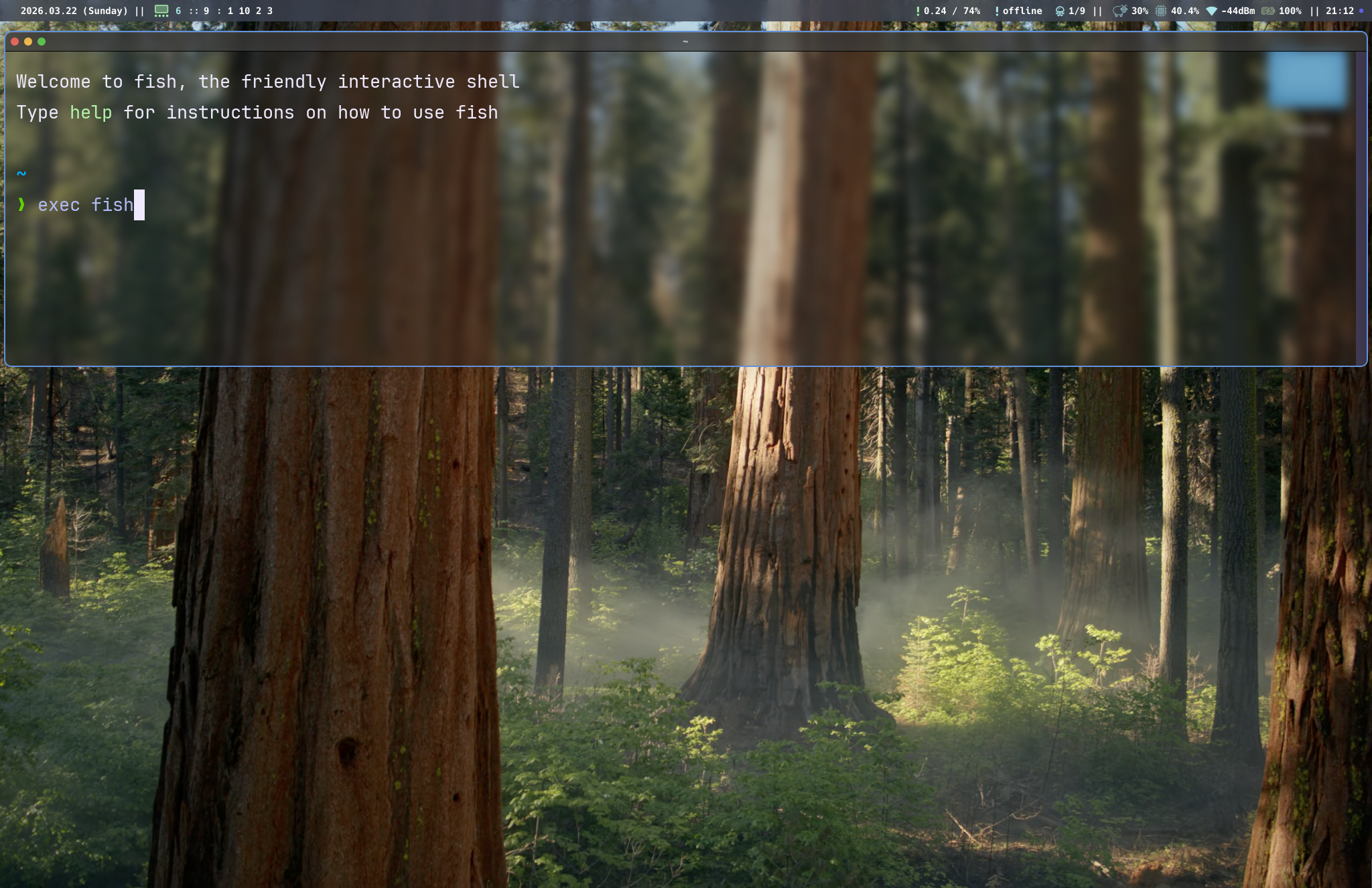
Special workspaces are named overlay workspaces that can be toggled on and off over the current workspace. They're useful for quick-access tools like terminals, music players, or chat apps.
Defining a special workspace
In your config:
gar.special_workspace("term", {
  position = "center",
  width = 0.8,
  height = 0.8,
})
This creates a special workspace named "term" that appears as a centered overlay covering 80% of the screen in both dimensions.
Options
| Key | Type | Default | Description |
|---|---|---|---|
position |
string | "center" |
Overlay placement: "center", "top", "bottom" |
width |
number | 0.7 |
Width as fraction of screen (0.0 – 1.0) |
height |
number | 0.7 |
Height as fraction of screen (0.0 – 1.0) |
Position behavior
"center"— the overlay is centered both horizontally and vertically"top"— the overlay is anchored to the top of the screen, centered horizontally"bottom"— the overlay is anchored to the bottom, centered horizontally
Toggling a special workspace
Bind a key to toggle visibility:
gar.bind("mod+grave", "toggle-special term")
When toggled on, all windows in the special workspace are shown as an overlay on the current monitor. When toggled off, they're hidden.
Via IPC:
tarmacctl toggle-special term
Moving windows to a special workspace
gar.bind("mod+shift+grave", "move-to-special term")
tarmacctl move-to-special term
This removes the focused window from its current workspace and places it in the named special workspace. The window will be visible next time the special workspace is toggled on.
Multiple scratchpads
You can define as many special workspaces as you want:
gar.special_workspace("term", {
  position = "center",
  width = 0.8,
  height = 0.8,
})

gar.special_workspace("music", {
  position = "bottom",
  width = 1.0,
  height = 0.4,
})

gar.special_workspace("chat", {
  position = "top",
  width = 0.6,
  height = 0.5,
})

gar.bind("mod+grave", "toggle-special term")
gar.bind("mod+m", "toggle-special music")
gar.bind("mod+c", "toggle-special chat")
Assigning windows via rules
Force a window into a special workspace on creation:
gar.rule({ app_name = "Spotify" }, { workspace = "special:music" })
The workspace value must be "special:NAME" where NAME matches the special workspace name.