Floating Windows
Not all windows belong in the tiled layout. Floating windows exist outside the BSP tree and can be freely positioned and resized.
Toggling float
Toggle the focused window between tiled and floating:
gar.bind("mod+shift+space", "toggle-floating")
Or via IPC:
tarmacctl toggle-floating
When a tiled window is floated, it's removed from the BSP tree and the remaining windows expand to fill the gap. When a floating window is tiled, it's inserted into the tree at the current focus position.
Moving and resizing floating windows
Floating windows can be moved and resized with the mouse:
- Cmd + Left-click drag — move the window
- Cmd + Right-click drag — resize the window
These use the actual macOS Command key, not the mod_key setting. They work via a CGEventTap that intercepts mouse events.
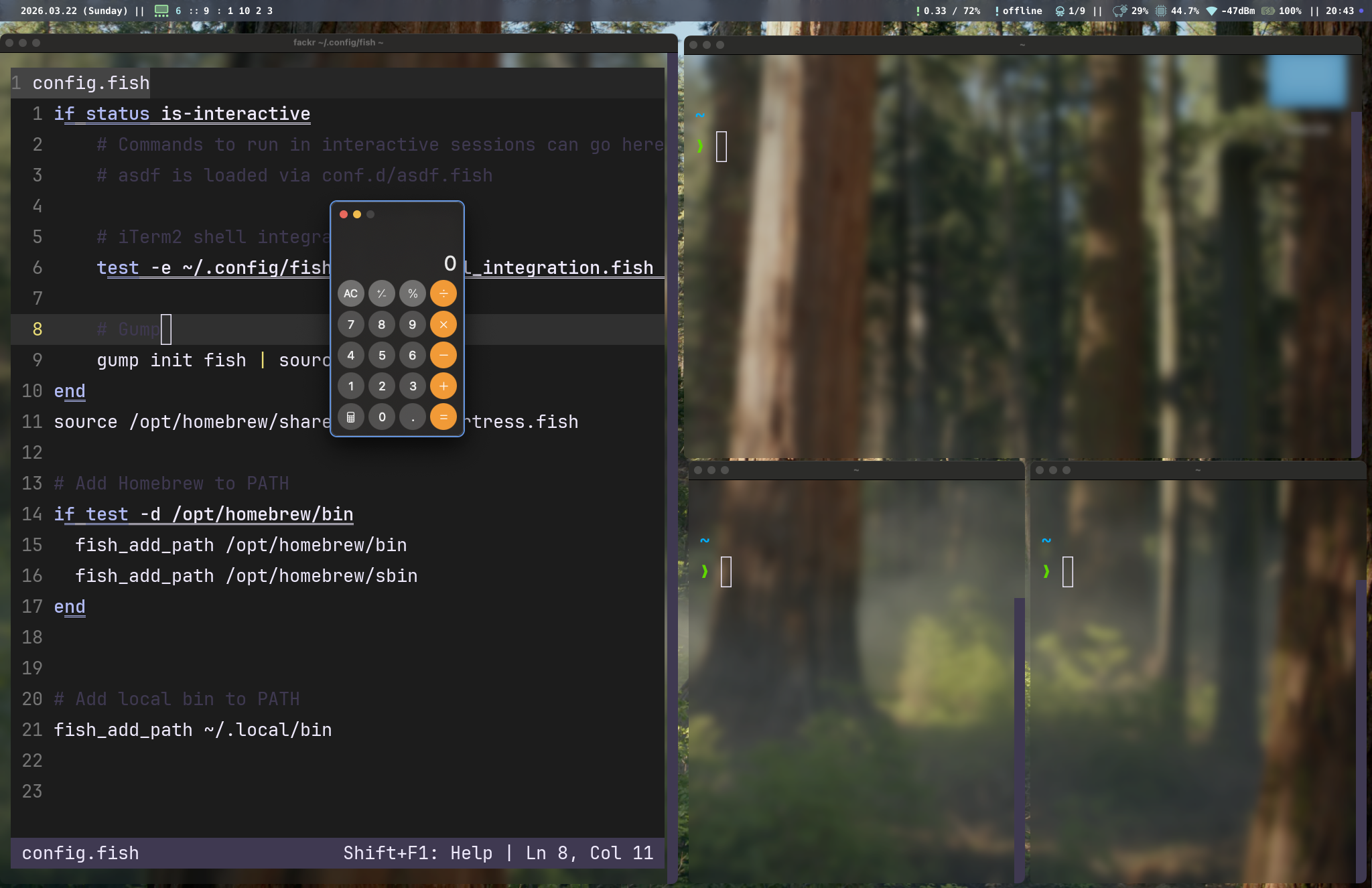
Auto-float via window rules
Force specific apps to always float:
gar.rule({ app_name = "Calculator" }, { floating = true })
gar.rule({ app_name = "System Settings" }, { floating = true })
gar.rule({ app_name = "Finder" }, { floating = true })
gar.rule({ title = "Picture in Picture" }, { floating = true })
With geometry:
gar.rule(
  { app_name = "Music" },
  { floating = true, geometry = { 100, 100, 800, 600 } }
)
See Window Rules for full details.
Auto-float for oversized windows
If a window's minimum size exceeds its assigned tile area, tarmac automatically floats it. This prevents layout glitches from apps like System Settings that have fixed minimum dimensions.
Floating window focus
Floating windows participate in focus navigation. Click on a floating window to focus it, or use the keyboard. When focus-follows-mouse is enabled, hovering over a floating window focuses it.
Floating windows are drawn above tiled windows by macOS's standard window layering.