Focus, Swap & Resize
Focus
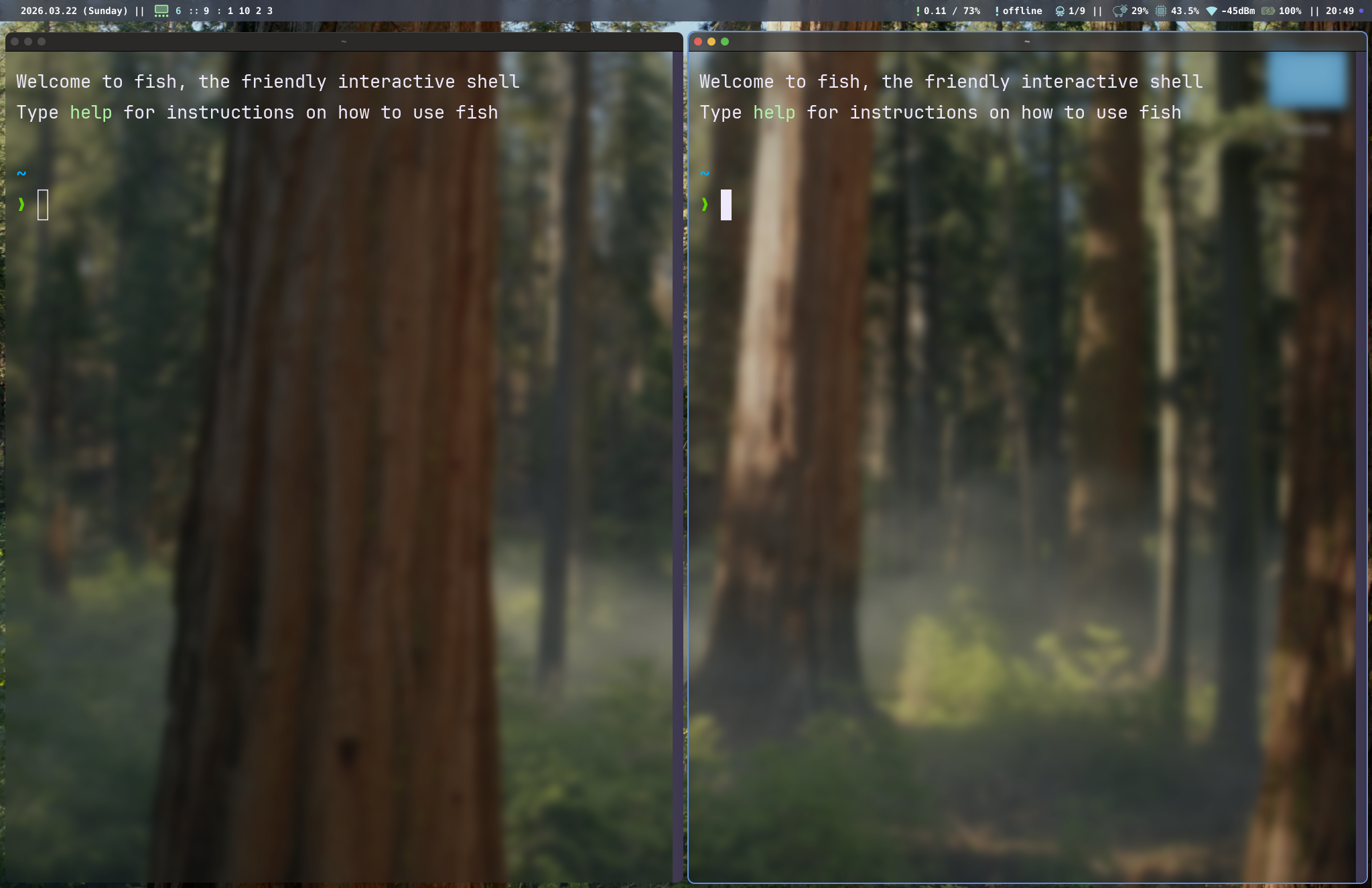
Focus moves the "active window" indicator to a neighboring window in the BSP tree. The focused window receives keyboard input and is highlighted by the active border color (if borders are enabled).
Directional focus
gar.bind("mod+h", "focus left")
gar.bind("mod+j", "focus down")
gar.bind("mod+k", "focus up")
gar.bind("mod+l", "focus right")
Focus traverses the BSP tree to find the nearest window in the specified direction. If no window exists in that direction on the current monitor, focus wraps or stops (it does not cross monitors — use focus-monitor for that).
Click to focus
Clicking any window focuses it. This works for both tiled and floating windows.
Focus follows mouse
When enabled (focus_follows_mouse = true), hovering the cursor over a window for 500ms focuses it without clicking. There's a cooldown to prevent rapid refocusing during mouse movement.
Monitor focus
Cycle focus between monitors:
gar.bind("mod+comma", "focus-monitor prev")
gar.bind("mod+period", "focus-monitor next")
Monitors are sorted left-to-right by their screen position.
Swap
Swap exchanges the focused window with its neighbor in the tree. The windows trade positions; the tree structure itself stays the same.
gar.bind("mod+shift+h", "swap left")
gar.bind("mod+shift+j", "swap down")
gar.bind("mod+shift+k", "swap up")
gar.bind("mod+shift+l", "swap right")
After swapping, focus follows the moved window (you stay on the same window, now in its new position).
Resize
Resize adjusts the split ratio of the nearest divider in the specified direction. This redistributes space between two sibling subtrees.
gar.bind("mod+ctrl+h", "resize left")
gar.bind("mod+ctrl+j", "resize down")
gar.bind("mod+ctrl+k", "resize up")
gar.bind("mod+ctrl+l", "resize right")
For example, resize left finds the nearest vertical split and moves its divider to the left, giving more space to the right side and less to the left.
Resize via IPC
tarmacctl resize left
tarmacctl resize right
tarmacctl resize up
tarmacctl resize down
Equalize
Reset all split ratios in the active workspace to 50/50:
gar.bind("mod+e", "equalize")
tarmacctl equalize
This is useful after several resize operations when the layout has become uneven.
Close
Close the focused window. This sends a graceful close request to the application (equivalent to clicking the red close button).
gar.bind("mod+shift+q", "close")
tarmacctl close
When a tiled window is closed, its sibling in the BSP tree expands to fill the vacated space. If it was the last window in the workspace, the workspace becomes empty.